New · Editorial AI Studio

Stage your brand.

An editorial campaign from a single flat-lay photo. Model, scene, lighting and a cinematic 15s ad — in seconds, at studio quality.

Get the App Demo coming soon
iOS · Android · coming soon...
50+ · scenes / moods
120+ · model variations
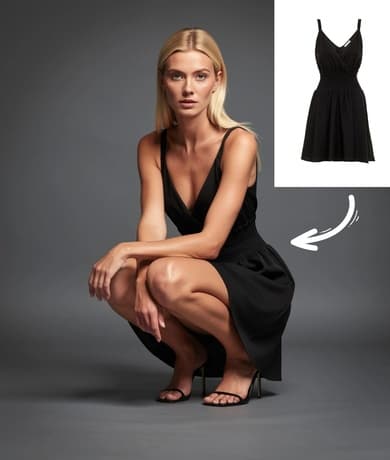
Tan Wall · Editorial
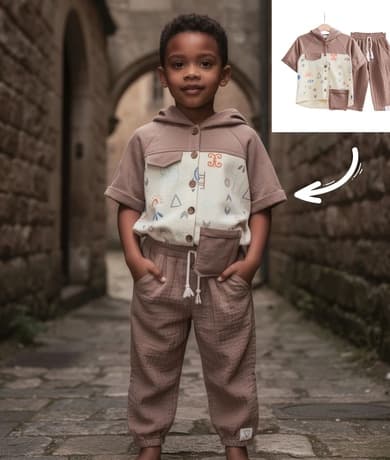
Cobblestone · Daylight
Charcoal · Soft Key
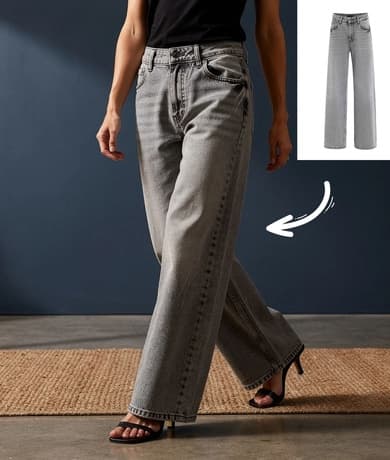
Indigo Wall · Rim Light
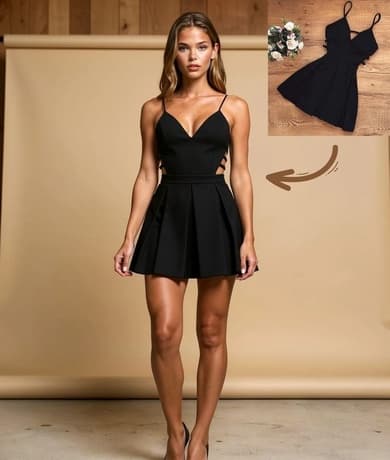
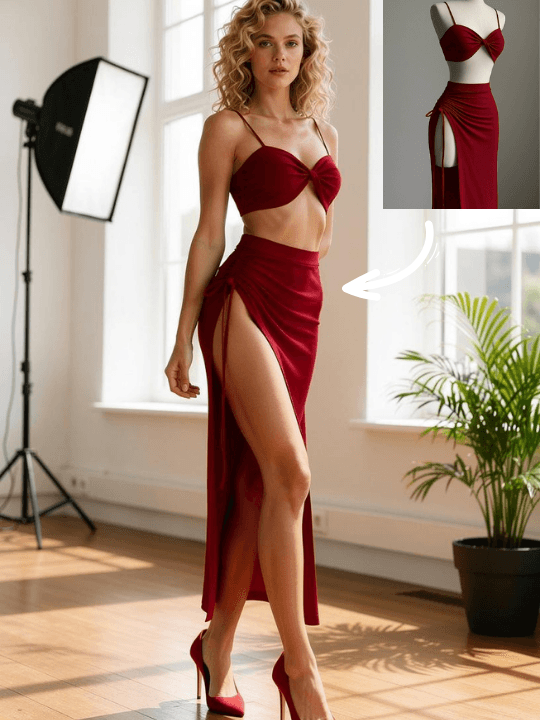
Flat-lay → On Model
Mini Dress / Studio
Tan Wall · Editorial
Flat-lay uploaded
JPG · 2.4 MB
On-model render ready
8.2s · 4K
How It Works

From flat-lay to campaign
in five steps.

Built for your brand's daily operation: a product comes in and the photo is ready — not in an hour, but over a coffee.
01
Step · Upload
Step 01
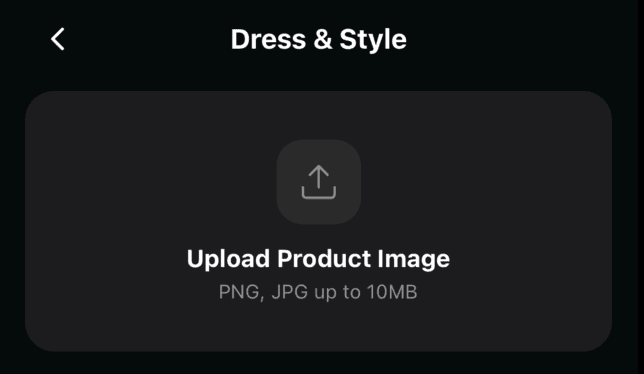
Upload your flat-lay.
Upload the product photo as a clean, sharp flat-lay — not on a model. JPG or PNG, up to 10 MB.
02
Step · Location
Step 02
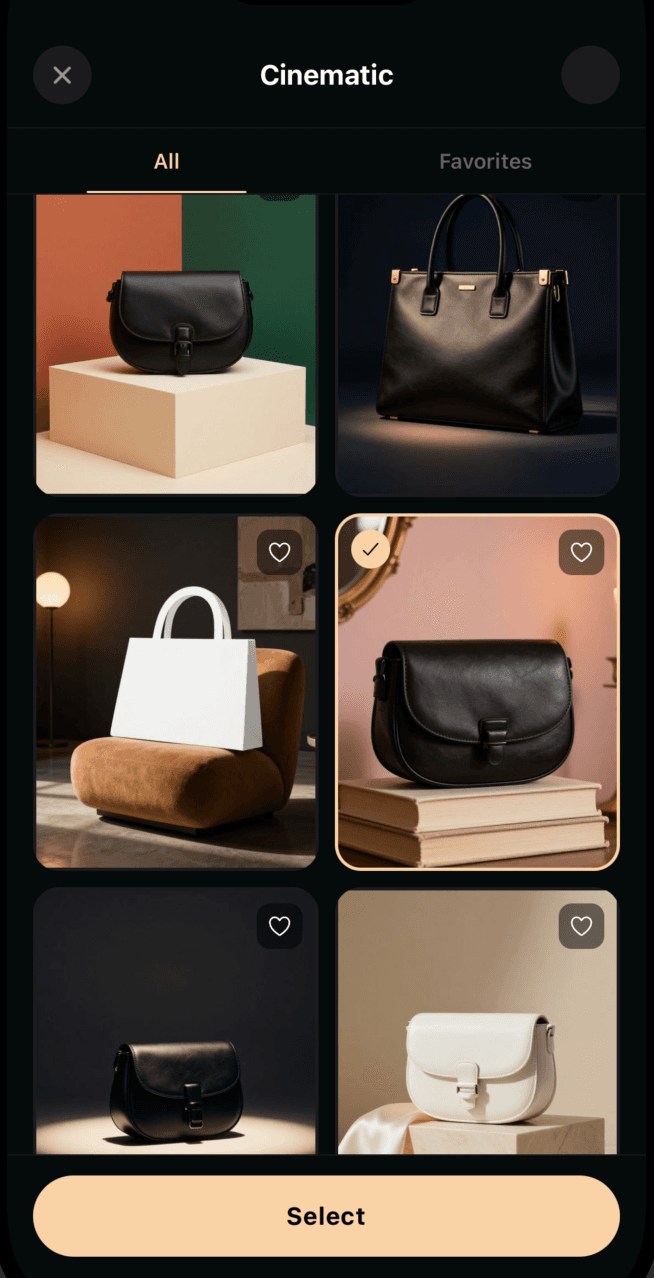
Pick the scene.
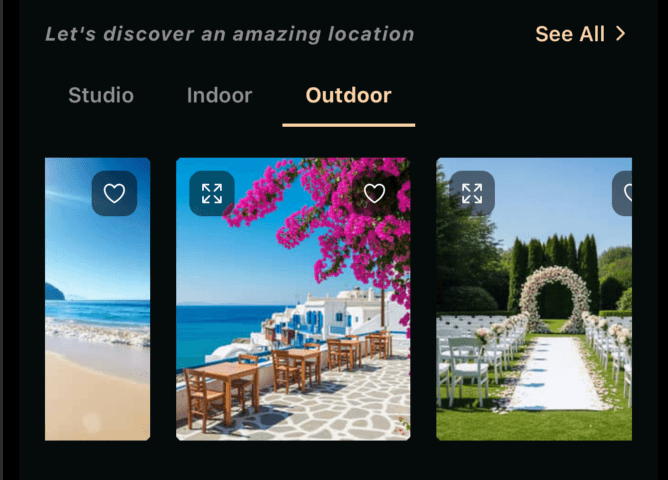
Studio, Indoor or Outdoor. A Paris boulevard, the Amalfi coast, a flower garden — set the mood with a single tap.
03
Step · Model
Step 03
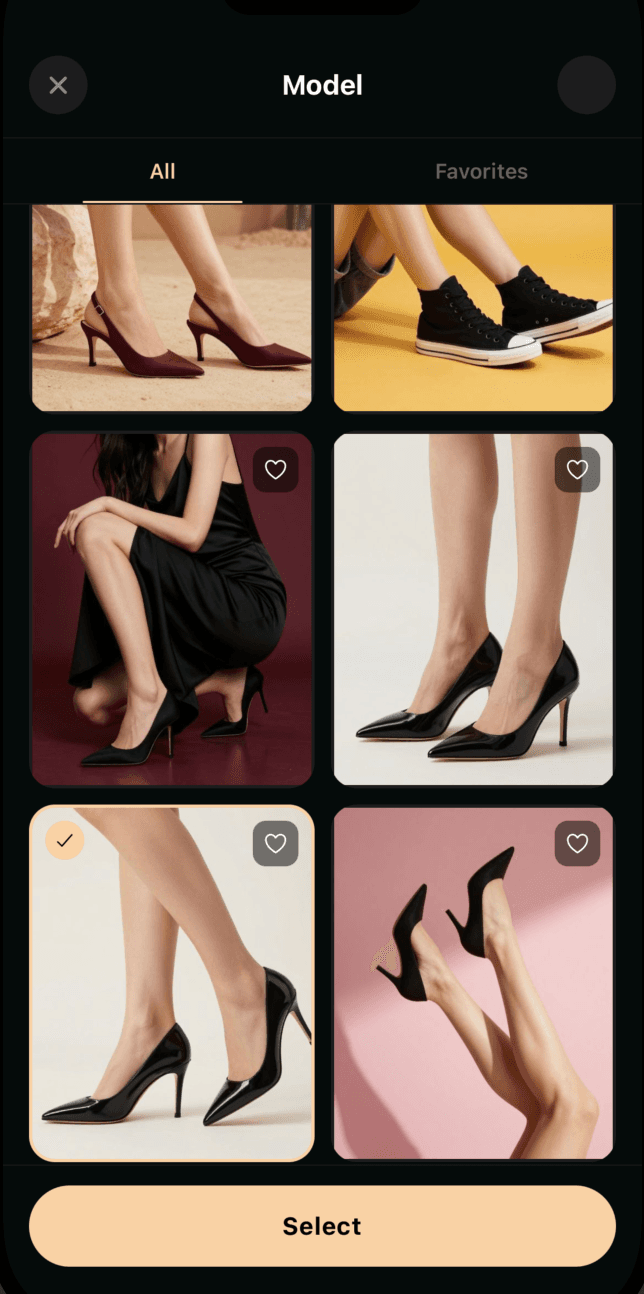
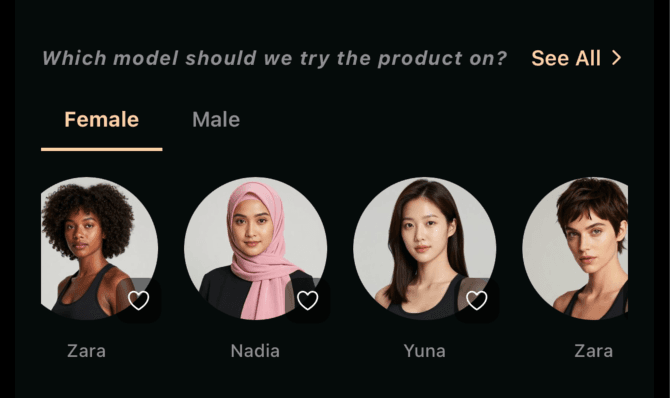
Choose the model.
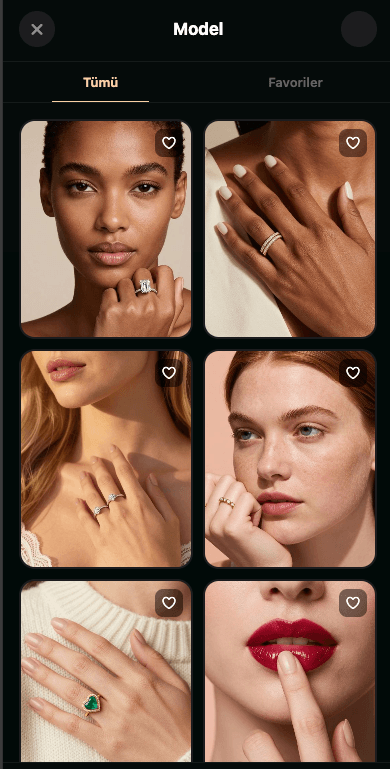
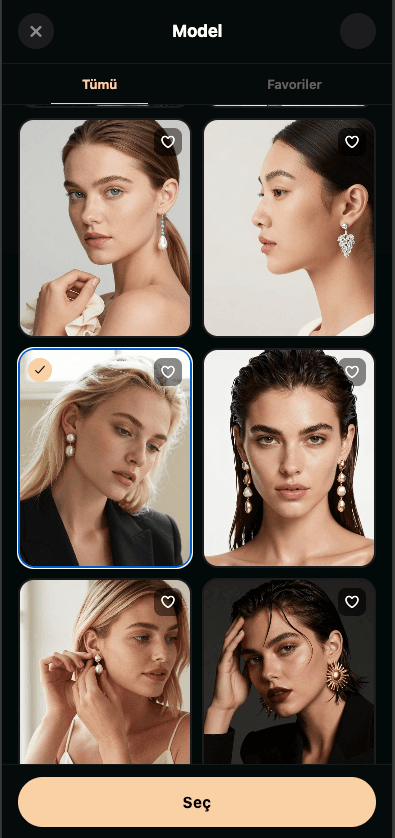
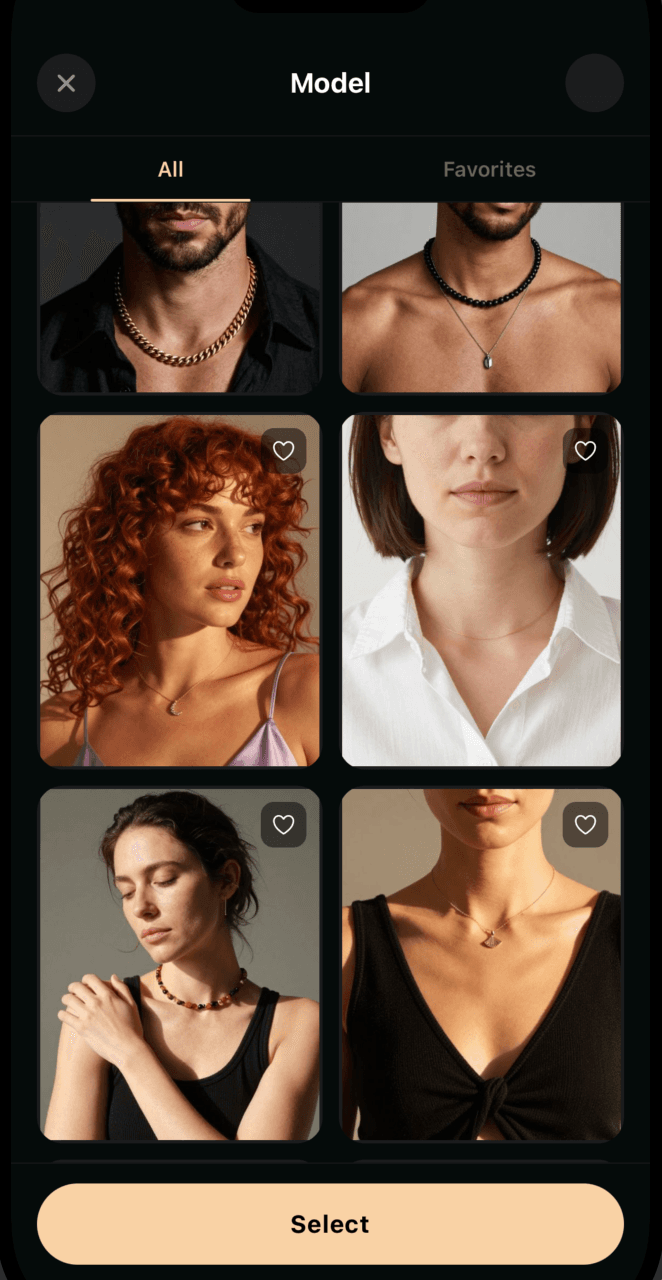
Female or Male, skin tone, hair, expression. Pick the face that fits your brand best from 120+ variations.
04
Step · Details
Step 04
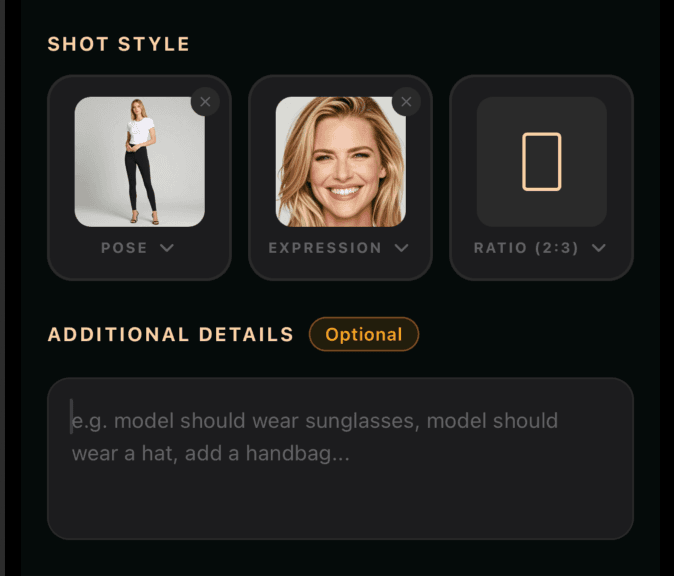
Personalize the style.
Pose, expression, aspect ratio. Add extra detail if you like: "have the model wear a hat, walking with a bag" — fine-tune with words.
05
Step · Generate
Step 05
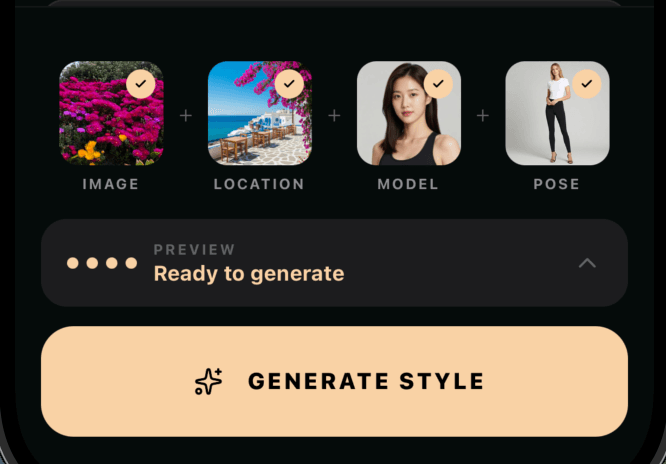
Create in seconds.
Image + Location + Model + Pose. Ready to generate. Your 4K editorial shoot is one tap away.
What You Can Do

Your whole storefront
in one app.

Clothing, jewelry, bags, footwear and cinematic ads. The same aesthetic language, the same studio. For every product in your brand.
01 · Clothing on Model

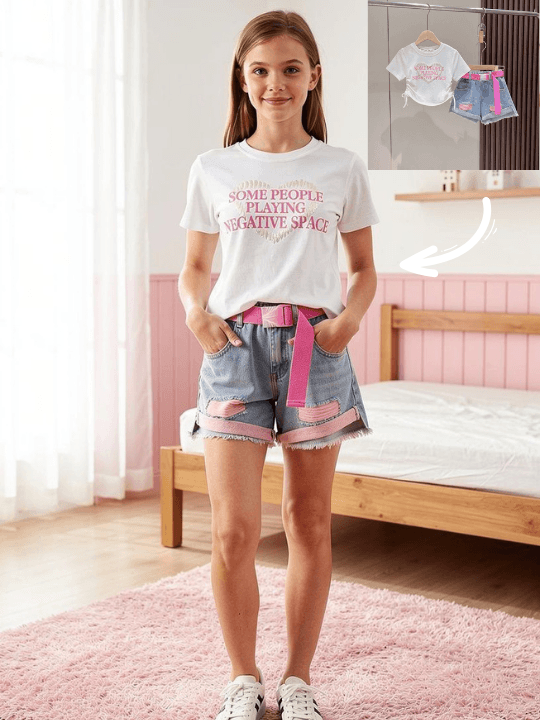
Dress the garment.

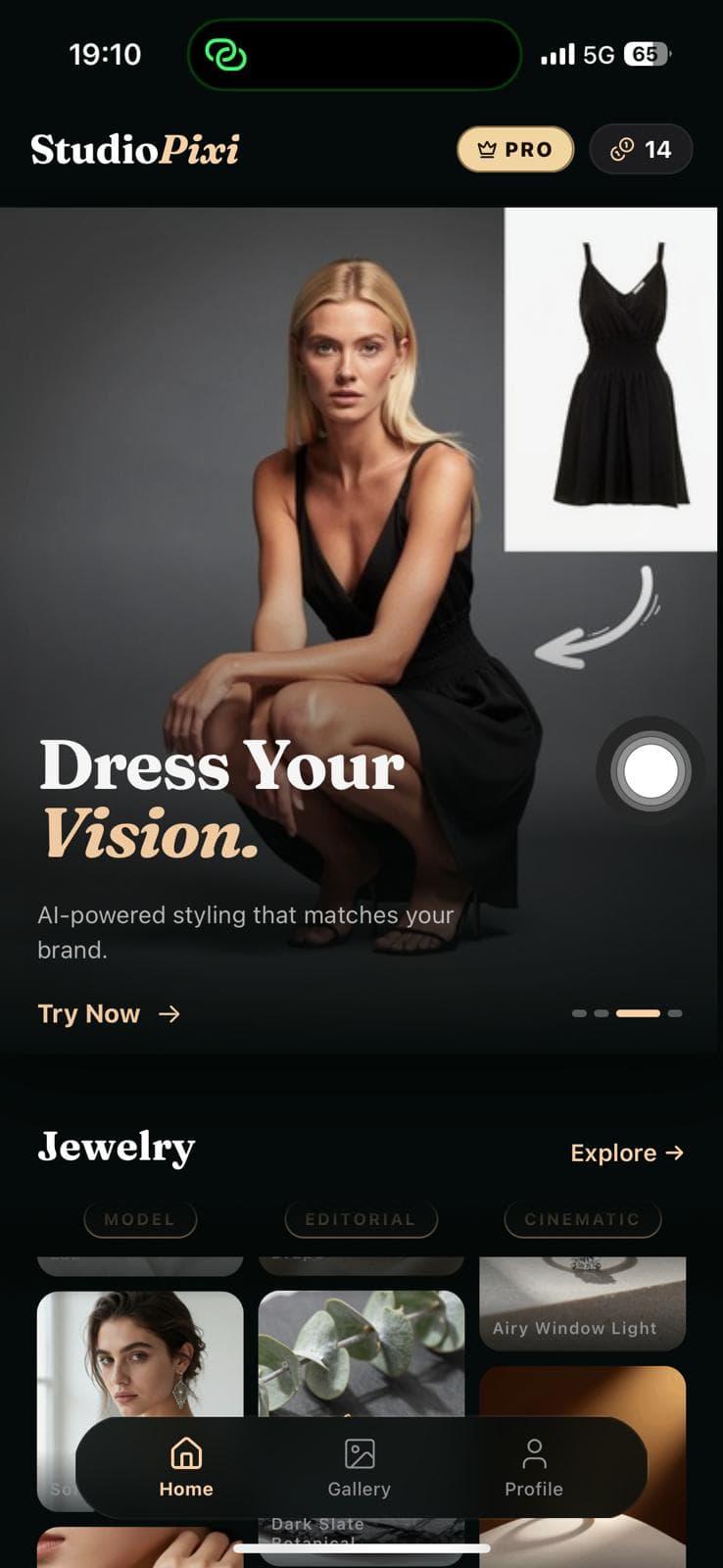
A flat-lay dress, jacket, suit or jean — on a model in seconds, in real light, at the right scale. Body type, pose and framing are yours.

Kids · Women · MenFull-bodyStudio + Outdoor4K
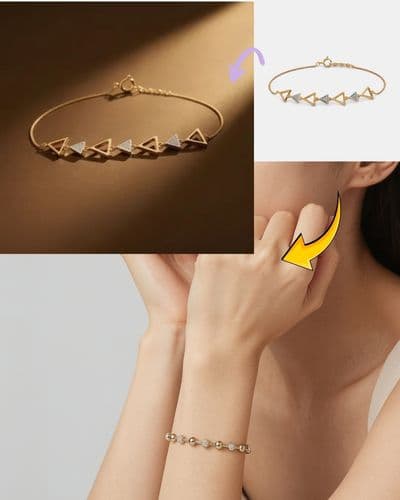
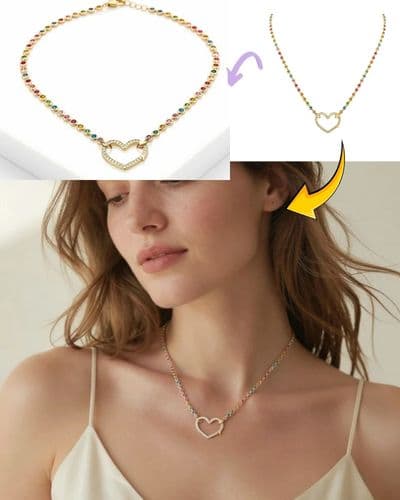
Triangle BraceletHeart Pendant

Stage the jewelry.

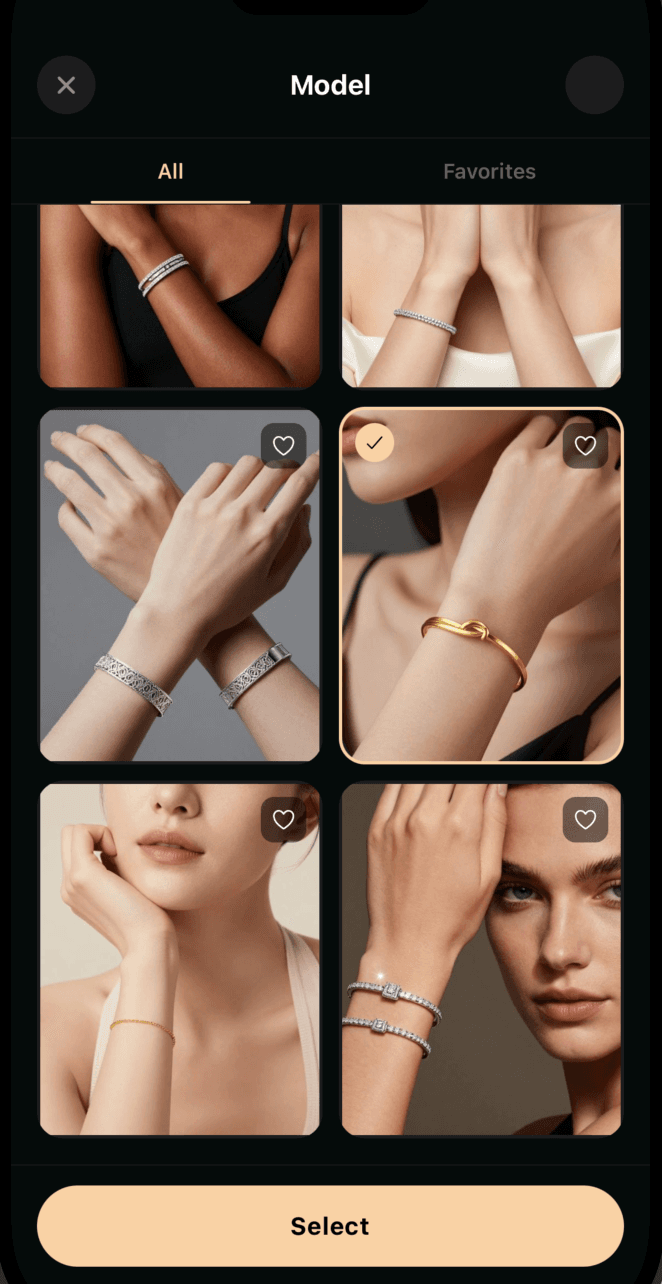
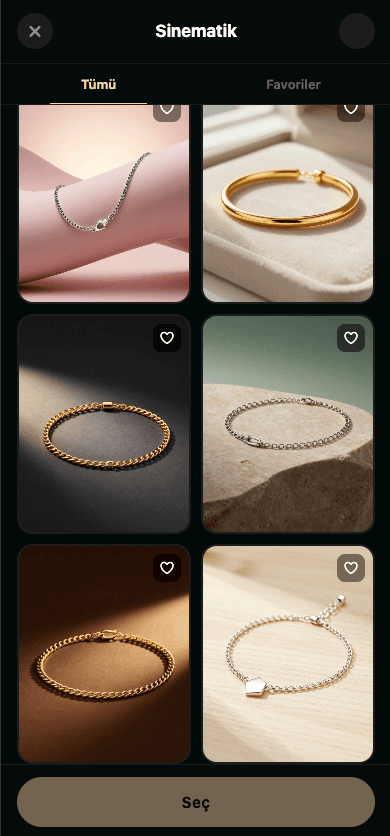
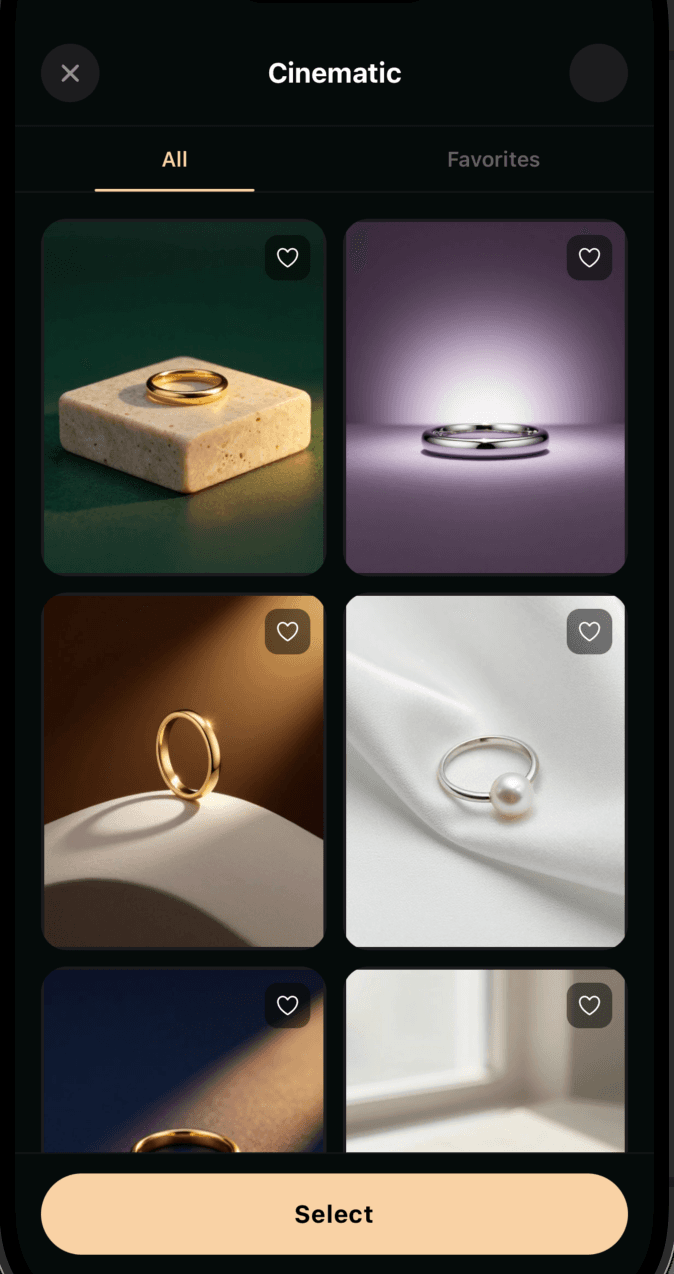
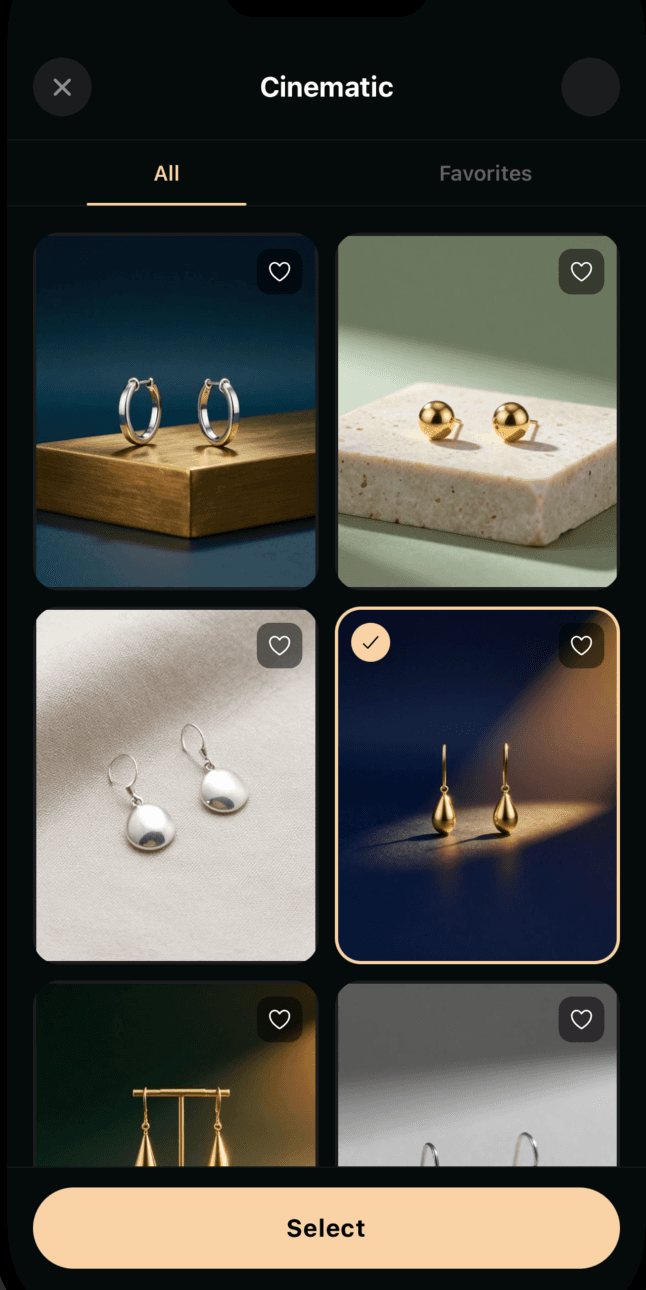
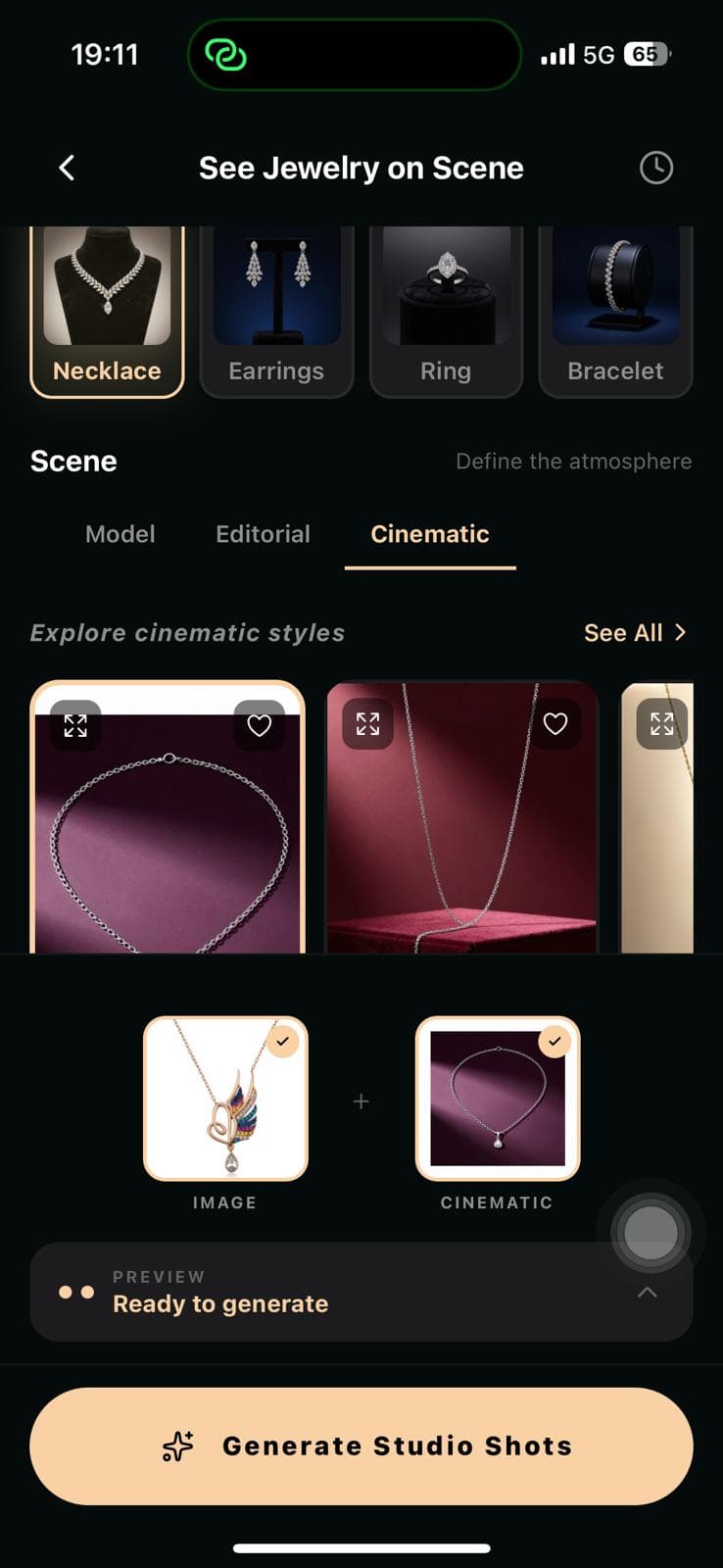
Necklaces, earrings, rings, bracelets — on a model and in an editorial scene.

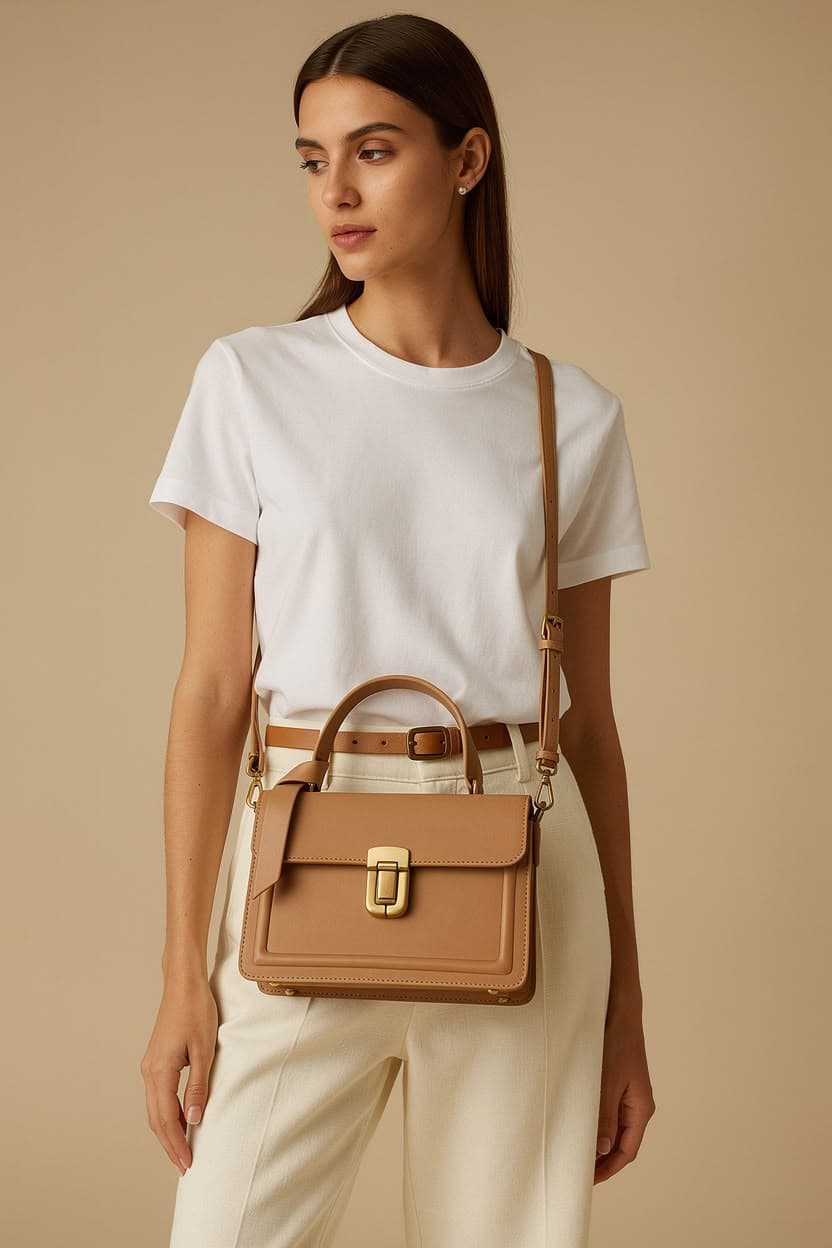
Soft Grey Tote

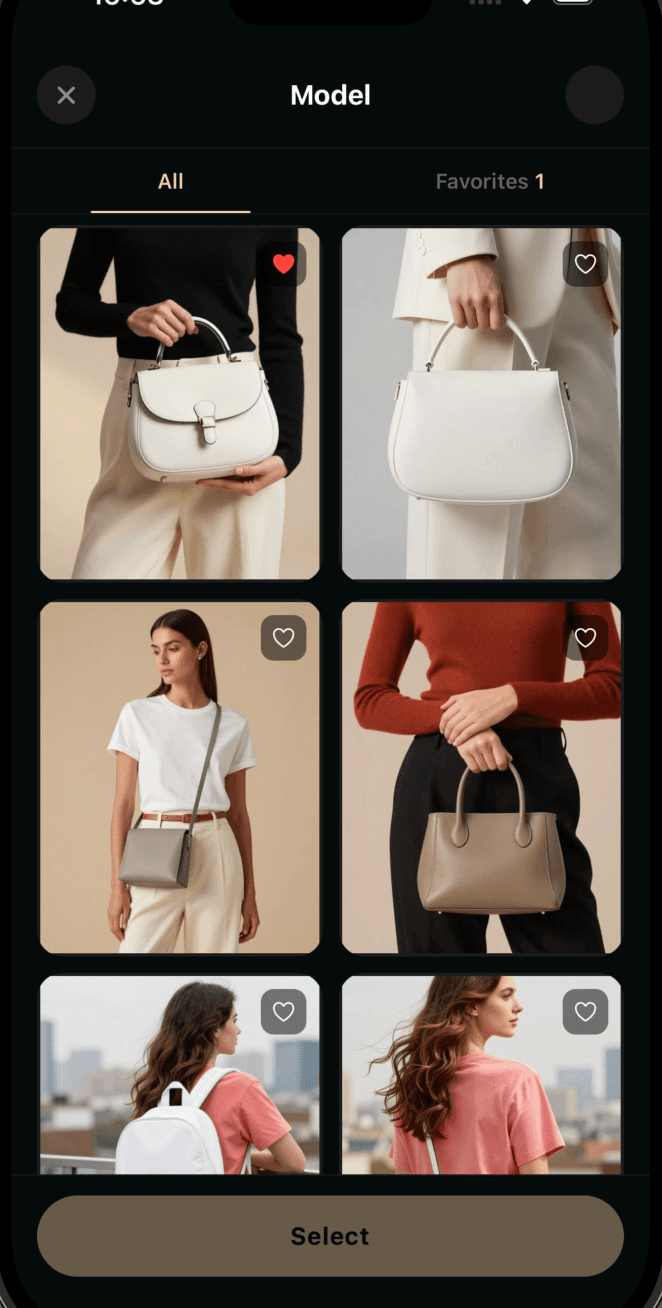
Carry the bag.

An editorial bag shoot with context, light and story.

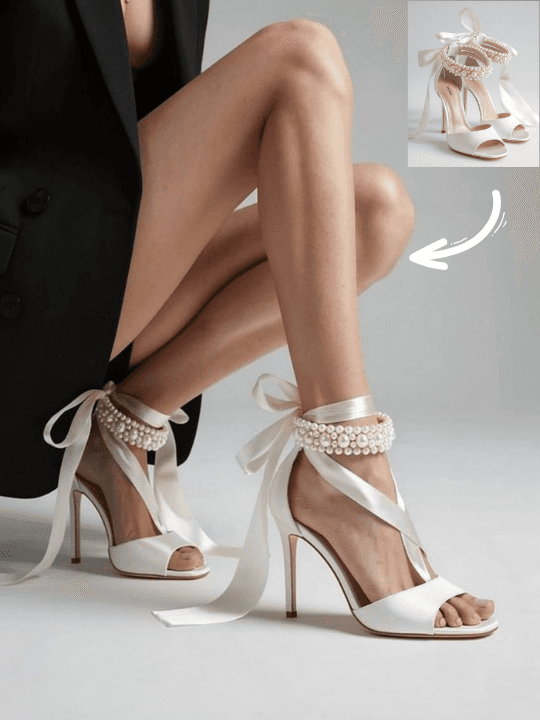
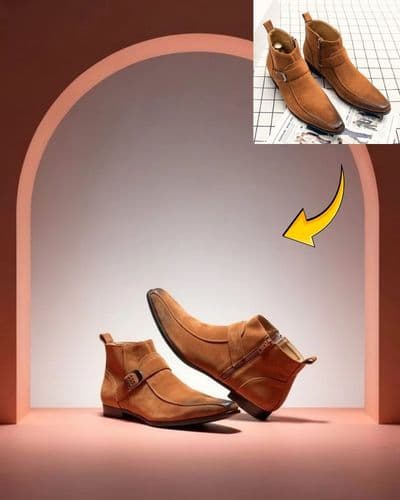
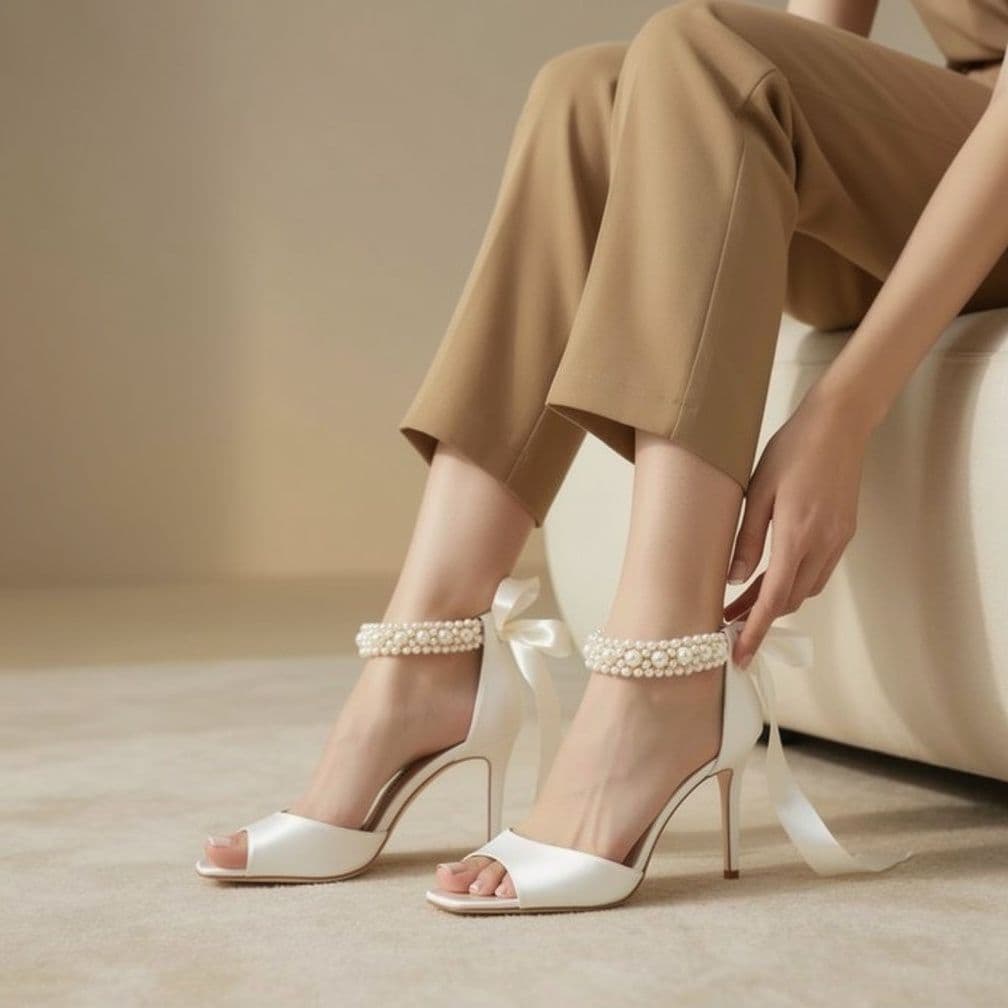
Heritage BootCrystal Heel

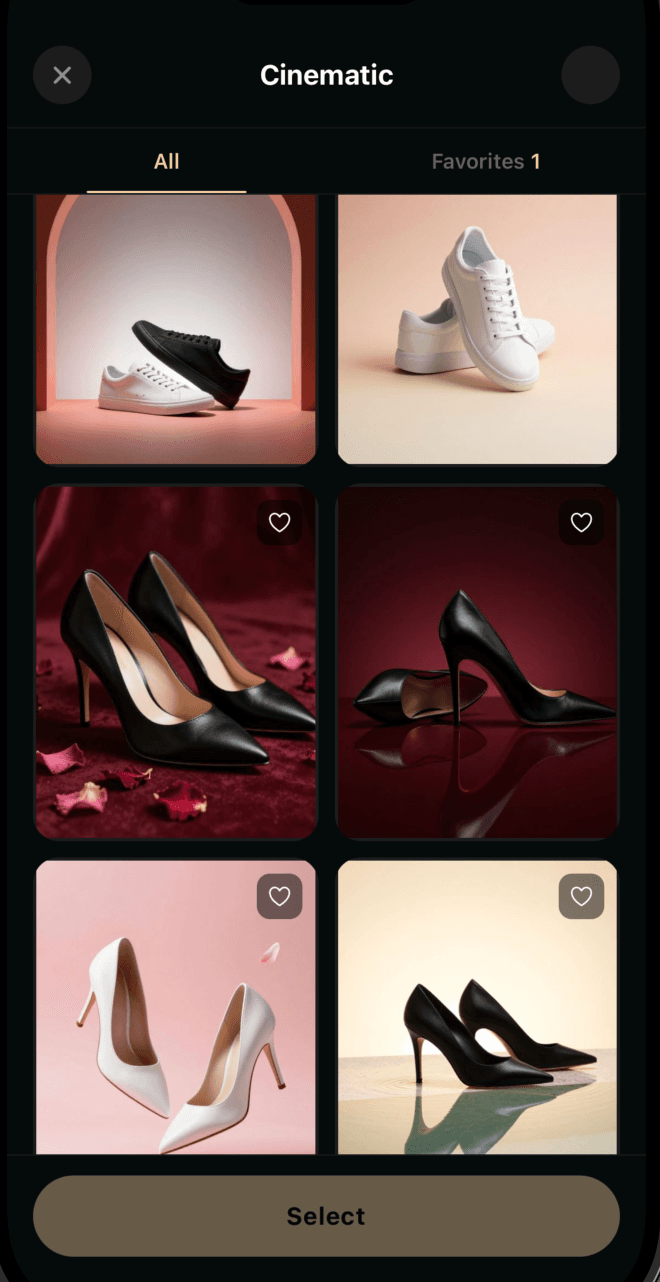
Walk the footwear.

In scene, in texture, in light — from flat-lay to editorial storefront.

05 · Cinematic AI Video

An ad in 15 seconds.

Turn every creation into a cinematic campaign film. Camera motion, breathing light, cuts ready for music.

A Studio in Your Palm

An art director
in your pocket.

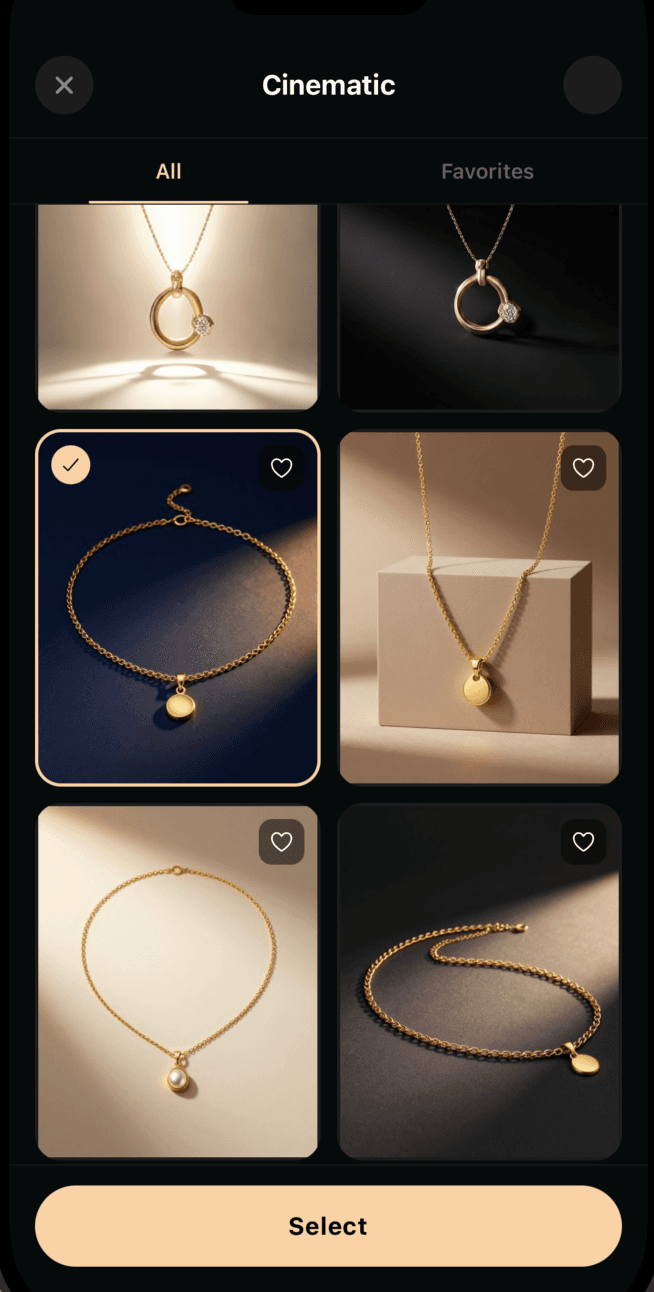
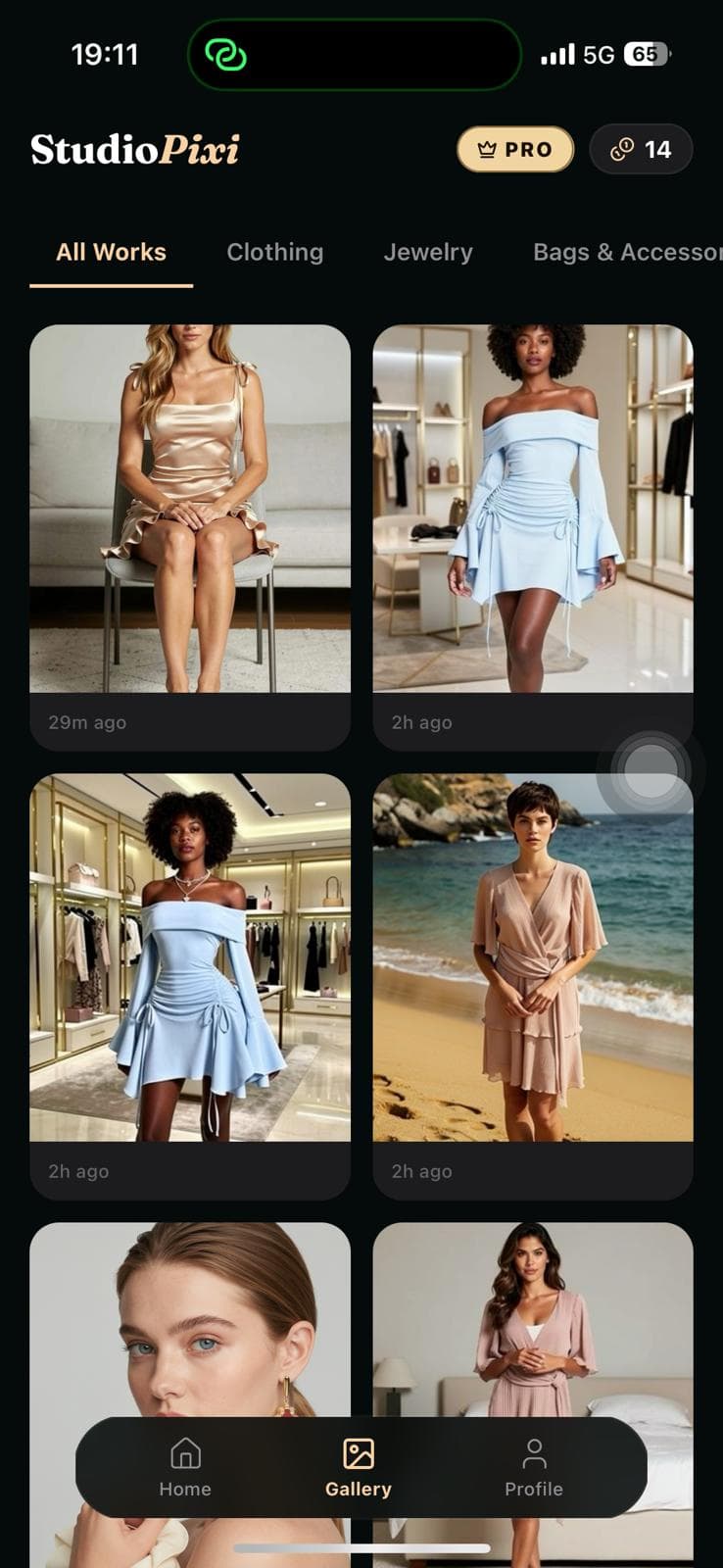
StudioPixi is a mobile-first app. Pick a flat-lay from your gallery, set the scene, adjust the model — your storefront is done. Your creations are tied to your account and synced across every device.

DownloadApp StoreSoonDownloadGoogle PlaySoon
StudioPixi gallery screen
StudioPixi home screen
StudioPixi jewelry scene screen
Pricing · StudioPixi Pro

Sell smart,
sell pro.

Subscribe — create your editorial shoots with credits that renew every month.
Or buy one-time credits with no subscription needed.
Access to All Studios
Clothing, jewelry, bags, footwear
Editorial Scenes
Luxury-brand quality lighting
Fine-tune the Result
Pose, expression, aspect ratio
Cinematic AI Videos
A 15-second campaign film
Weekly · Flexible
Weekly
100 credits · renews weekly
$9.99/ week
The fastest way to try it out
Start weekly
Save 37%
Monthly · Most Popular
Monthly Pro
300 credits · renews monthly · just $6.25 weekly
$24.99/ month
Save 37% · cancel anytime
Start saving monthly
No subscription needed? Buy one-time credits ↓
100 Credits
To experiment more
$13.99
Buy
30 Credits
A quick top-up
$4.99
Buy
Secure payment Cancel anytime Ad-free Auto-renews
Frequently Asked

Everything
on your mind.

If there's something you can't find an answer to, [email protected] is the fastest channel for us.

What happens to the product photos I upload?
Your photos are used only for your own creations. They are not shared with third parties and are not used to train other users' models. You can delete them anytime with a single tap.
Are the resulting images suitable for commercial use?
On the Pro plan you have full commercial usage rights over every image and video you produce — including e-commerce, social media, ad campaigns and print. On the Free plan, images carry a subtle StudioPixi signature.
Are the models real people?
No. All of our models are AI-generated composite characters that do not represent a real person. This completely removes the complex processes around model rights.
Which product categories does it support?
Clothing (women, men, kids · full-body), jewelry (necklaces, earrings, rings, bracelets), bags (shoulder, hand, backpack), footwear (heels, sneakers, boots, sandals, loafers). We're constantly adding new categories.
How long does a creation take?
On the Free plan, around 25-40 seconds on average. In the Pro priority queue, around 8 seconds. For AI Video, 30-60 seconds.
What happens if I want to cancel?
You can cancel anytime. Pro benefits remain valid for the rest of your subscription period; afterwards you automatically return to the Free plan and your past creations stay accessible.
Launching Summer 2026

The studio
lands soon.

StudioPixi is wrapping up its final polish. Coming to the App Store and Google Play in summer 2026 — bookmark us, and we'll see you on launch day.

DownloadApp StoreSoonDownloadGoogle PlaySoon
iOS · iPhone & iPad
Android · Phone & Tablet